
Textiles & color
Try a coordinated direction for cushions, throws and table linens. Check real fabric samples for texture and color before ordering.
Your room. A little more celebration.
Upload a room photo, choose a holiday style, and see your space decorated with AI.
New users receive free sign-in credits · Credit cost varies by model
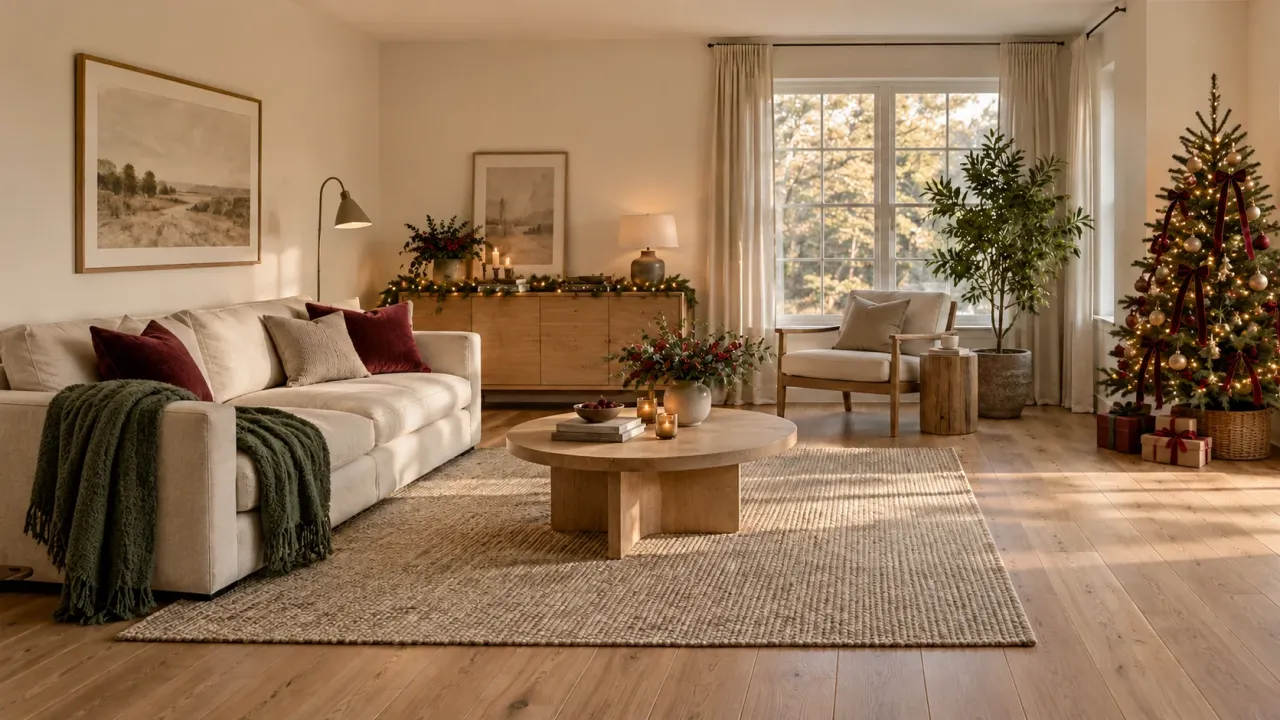 Decoration concept
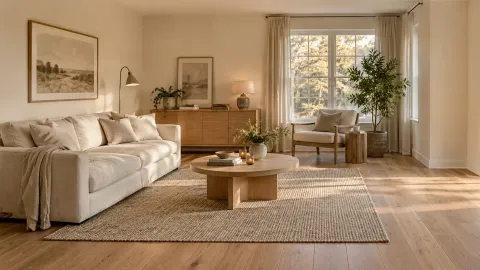 Everyday room
One room, three celebrations
Use these concepts to decide which details matter to you. Compare a few coordinated accents with a fuller seasonal display, keeping everyday use of the room in mind.
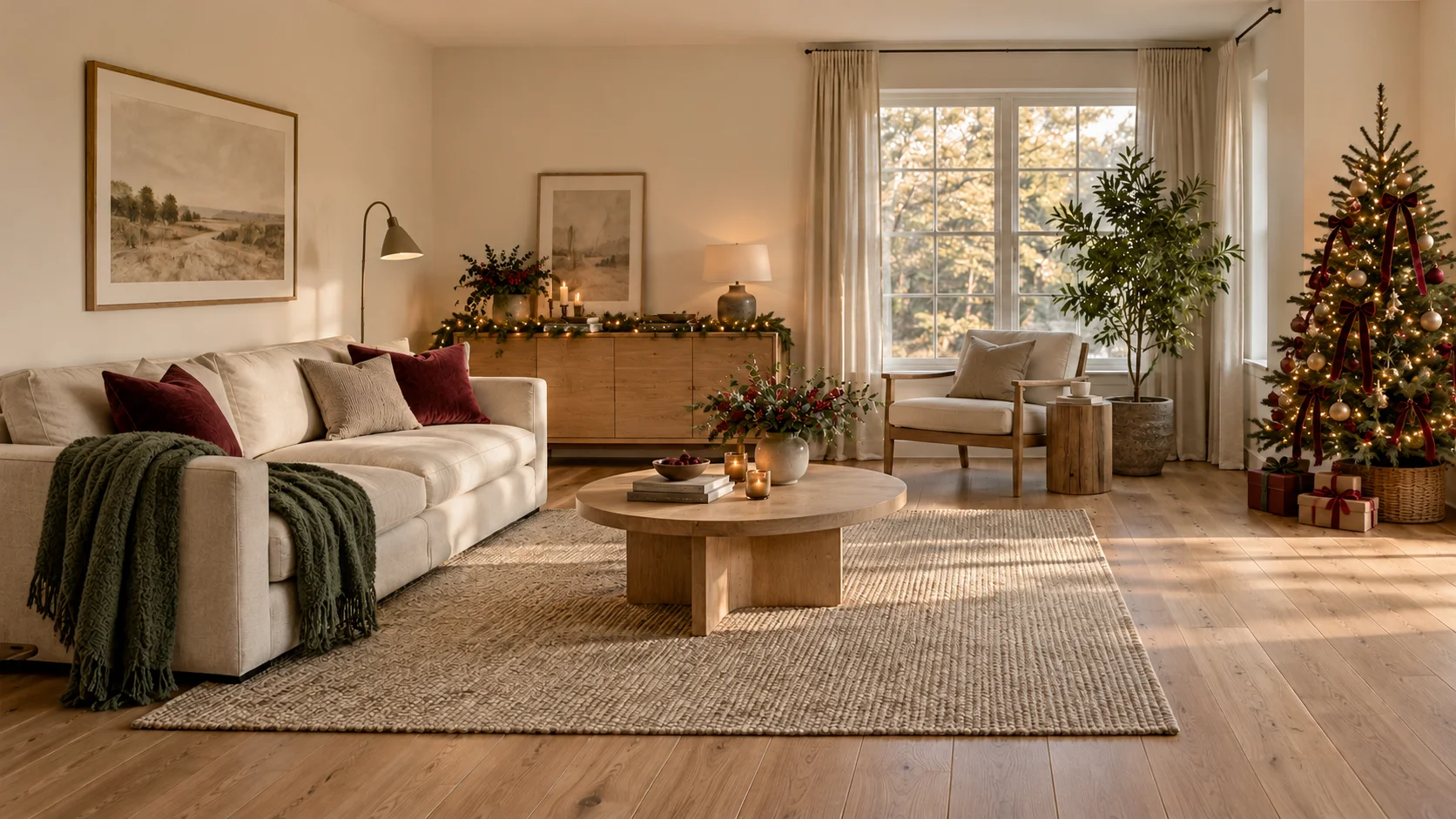
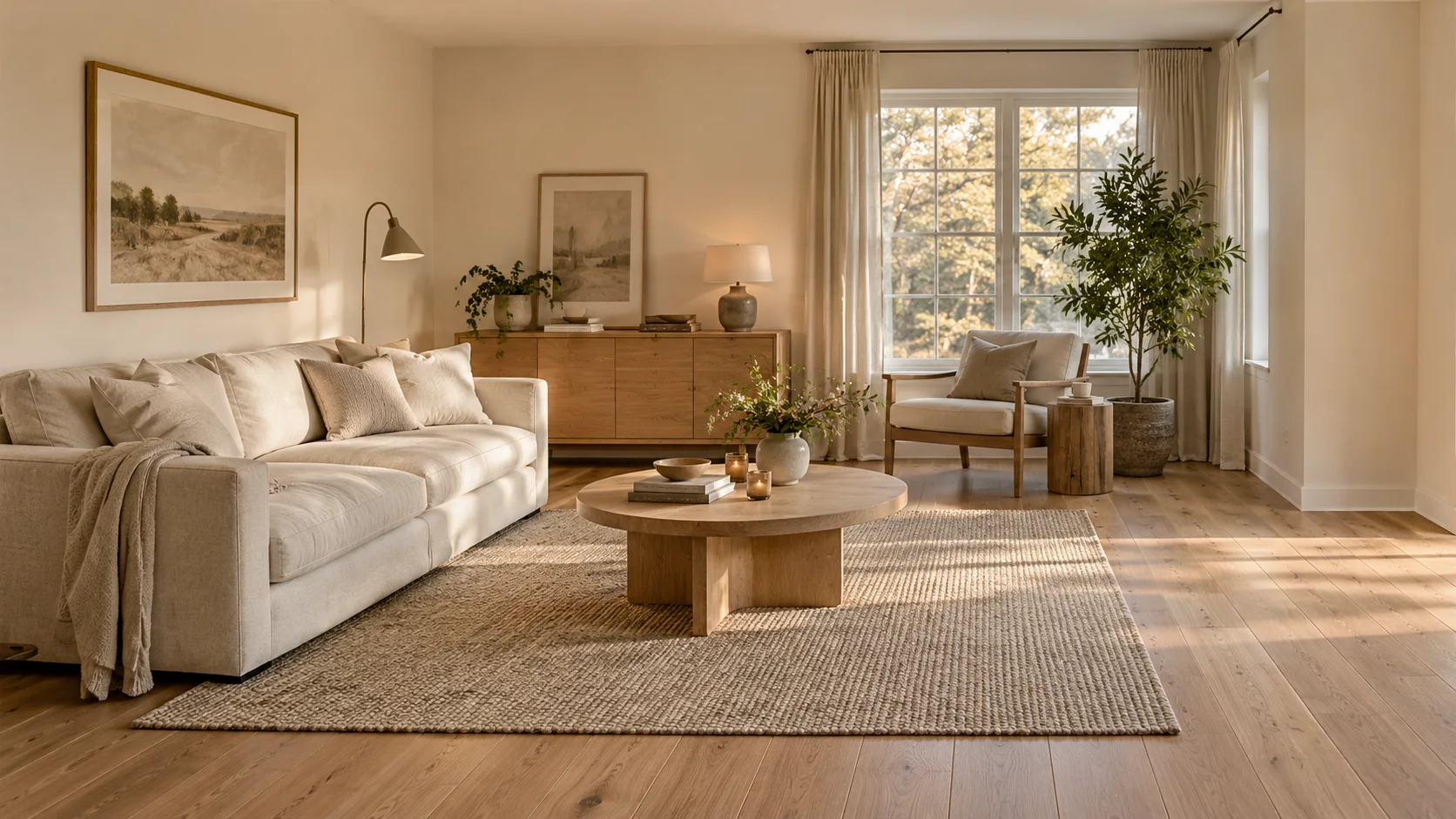
Drag to compare, or use the arrow keys.
Evergreen branches, warm lights and rich red cushions bring a familiar living room into the festive season. Leave enough space around the tree for doors and walkways.
AI-created editorial illustrations, not results generated by this product. Decoration and room details may differ in actual use.
Left: everyday room. Right: holiday decoration concept.
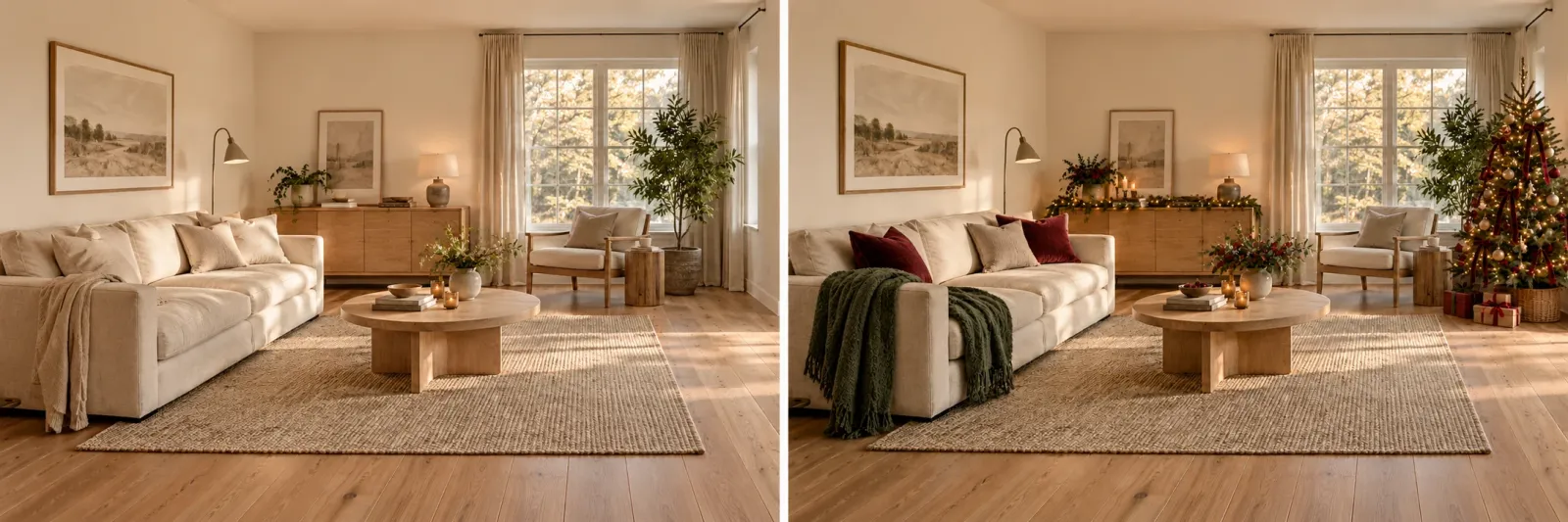
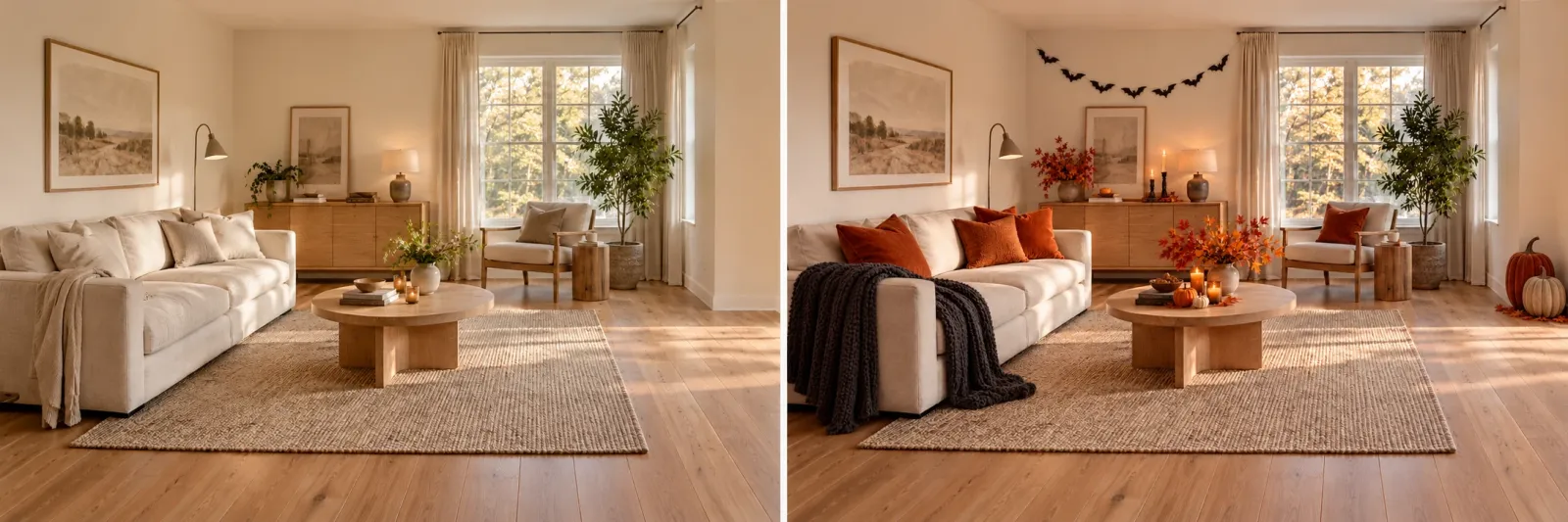
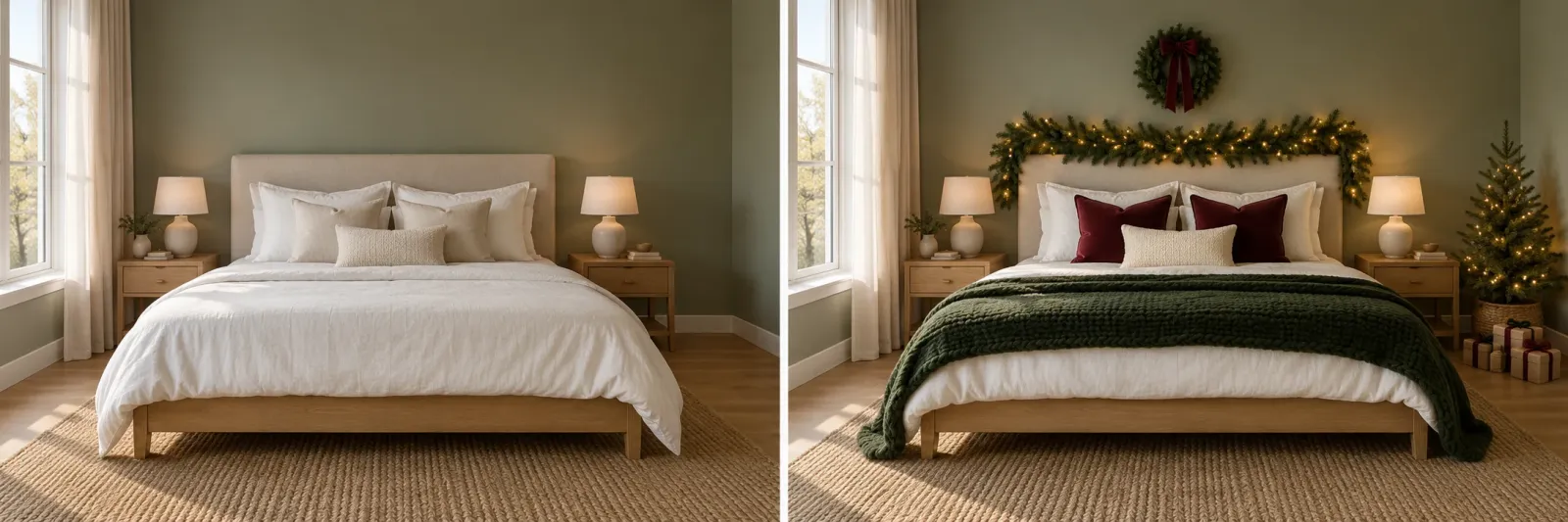
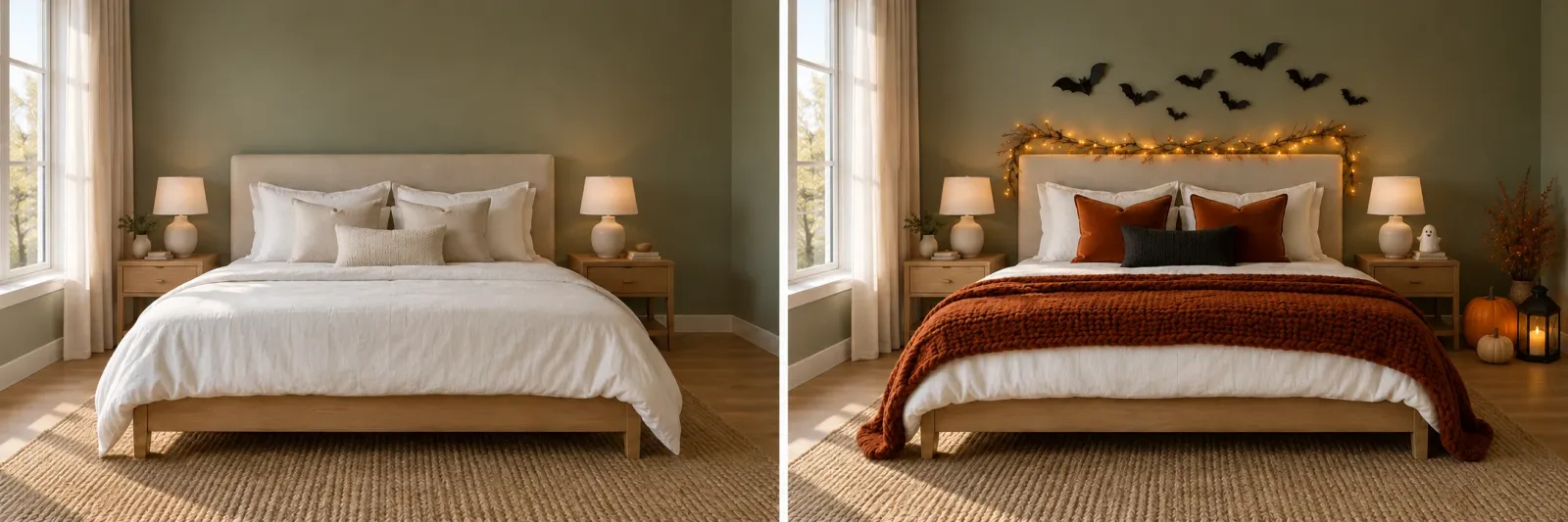
The decorating journey
AI Room Decorator is an image-to-image tool: upload a room photo, choose a model and your decorating direction, then view the decorated image. New users receive free credits after signing in; check the selected model’s credit cost before generating.
Photograph the room in good light, with furniture edges and floor space visible. This photo is the starting point for your decoration, so avoid heavy blur or extreme wide angles and move personal documents out of view.
Pick the holiday atmosphere and details you want to explore, then select an available model. Each generation uses credits at that model’s rate; review the displayed amount before you start.
AI Room Decorator returns an image of your room with the proposed decoration. Compare it with your original photo, check the details and use it to discuss colors, textiles and seasonal accents before shopping.
Small details, a different mood
Use room decor AI to explore small changes around the furniture you already love. AI Room Decorator helps you consider removable accents, a coordinated palette and a seasonal focal point while keeping everyday use in mind.
Try a coordinated direction for cushions, throws and table linens. Check real fabric samples for texture and color before ordering.
Imagine branches, ornaments or a festive corner. Measure the available space and check that doors and everyday routes remain clear.
Note the furniture and architectural features you want to retain. A concept can still alter proportions, finishes or objects; inspect the whole image.
Why choose us
Start with a familiar space and make one decorating decision at a time. A useful image should help you see what belongs in your home, whether you want a few festive touches or a fuller seasonal display.
A “decorate my room AI” tool lets you start with your own photo and compare the proposed accents with the furniture, windows and everyday routes you already know.
Explore Christmas greenery, Halloween pumpkins or a quieter everyday palette. AI room decor can help you compare a color direction before buying textiles and ornaments; measure real objects before placing an order.
View the decorated image, then share your preferences with family or a decorator. With AI Room Decorator, the output is a visual reference for the next conversation, so you can point to the details you would keep or change.
Questions, answered
From your first photo to the finished image, here is how the process and credits work. These answers also explain what to check before turning a visual idea into a real decoration.
AI Room Decorator
Sign in to AI Room Decorator, start with a photo and picture your next celebration at home. New users receive free credits; the model you select determines the credits used to generate the decorated image.
Decorate My Room